


Ransomware attacks against websites are no longer limited to large enterprises. Publishers, bloggers, ad-supported media sites, and niche content platforms are increasingly targeted because they often run complex plugin stacks, third-party scripts, and monetization integrations that expand the attack surface. When ransomware hits a publisher site, the damage extends beyond locked files — it can interrupt ad delivery, trigger browser warnings, reduce search visibility, and lead to monetization account reviews.
A structured recovery process is essential. Publishers who respond methodically — rather than react emotionally — recover faster and preserve both traffic and revenue. This guide explains exactly how to respond after a ransomware or severe malware incident, how to contain damage, how to restore safely, and how to rebuild platform trust after recovery.
This article is designed to answer urgent recovery queries while maintaining high topical authority and search engine clarity.
Quick Answer: What Should You Do Immediately After a Website Ransomware Attack?
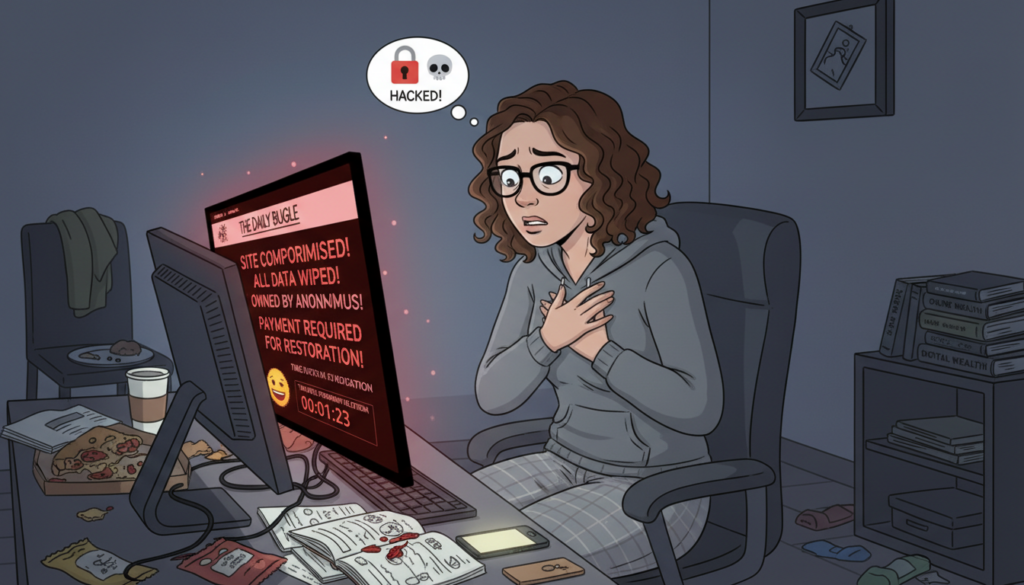
The first objective is containment, not negotiation and not rushed rebuilding. Acting too quickly without structure can destroy forensic evidence and make recovery harder.
Your immediate priorities should be:
- Take the website offline or place it in maintenance mode
- Contact your hosting provider’s security team
- Disable admin access temporarily
- Preserve server logs and timestamps
- Stop automated tasks and scheduled jobs
- Avoid mass deletion before investigation
Containment prevents reinfection and stops attacker movement inside your environment.
Confirm the Scope of the Compromise Before Taking Action
Not every compromise is full ransomware encryption. Some incidents involve backdoors, defacement, script injection, or database manipulation. Understanding the scope determines the correct recovery path.
Signs that indicate deeper compromise include encrypted files, renamed directories, ransom notes, modified CMS core files, and unknown administrator accounts. Resource spikes and unexplained outbound traffic can also signal attacker control.
Scope assessment helps answer a critical question: Is targeted cleanup possible, or is full restoration required?
Isolate the Environment to Stop Further Damage
Isolation reduces the attacker’s ability to maintain control or deploy additional payloads. Even short delays can allow attackers to escalate privileges or spread deeper into server directories.
Effective isolation measures include:
- Blocking public access to the site
- Temporarily disconnecting network access where possible
- Disabling file uploads and script execution
- Suspending background jobs and cron tasks
- Locking down admin dashboards
Isolation creates a safe window for investigation and restoration planning.
Work With Your Hosting Provider’s Security Team
Many publishers underestimate how valuable hosting security teams are during incidents. Reputable hosts have malware scanning tools, forensic logs, and recovery snapshots that individual site owners often lack.
Hosting security teams can help by:
- Identifying the intrusion entry point
- Scanning server directories for backdoors
- Checking neighboring account contamination
- Providing clean restore points
- Blocking attacker IP ranges
- Advising on safe restoration order
Attempting deep server cleanup without support often leaves hidden persistence mechanisms behind.
Reset Credentials Across All Connected Systems
After compromise, you must assume credentials are exposed — even if you are not yet sure how access occurred. Credential reuse is one of the most common reinfection causes.
Reset credentials for:
- CMS administrator accounts
- Hosting control panel
- Database users
- FTP and SFTP access
- CDN and DNS providers
- Domain registrar
- Advertising platform accounts
After resets, enable multi-factor authentication to prevent immediate reuse of stolen credentials.
Clean the Site or Restore From Backup — How to Decide
Choosing between cleanup and full restore is one of the most important recovery decisions. Cleanup can work when the intrusion is shallow and well understood. Full restoration is safer when compromise is widespread.
Cleanup may be viable when the infection is localized, the vulnerability is known, and no encryption has occurred. Full restore is safer when files are encrypted, multiple directories are altered, or root access is suspected.
In most ransomware scenarios, restoring from a verified clean backup is the lower-risk path.
How to Restore Safely From Backup

Backup restoration should not be treated as a simple file copy operation. Restoring without fixing the original vulnerability often results in immediate reinfection.
A safe restore process includes:
- Selecting a backup from before compromise date
- Scanning the backup before deployment
- Updating CMS core and extensions first
- Patching the vulnerability that allowed entry
- Changing credentials before reopening access
Restoration should happen in a staged environment before public relaunch when possible.
Verify Site Integrity Before Going Live Again
Verification ensures you are not relaunching a still-compromised system. Multiple scanning layers reduce false confidence.
Verification methods include:
- Hosting malware scans
- CMS security plugin scans
- File integrity comparisons
- External website malware scanners
- Blacklist status checks
Cross-verification is more reliable than relying on a single tool.
Check Search Engine and Browser Security Warnings
Compromised sites are often flagged by search engines and browsers to protect users. These warnings can drastically reduce traffic even after cleanup.
Review:
- Search Console security alerts
- Safe browsing status
- Malware blacklist databases
- Browser warning pages
After cleanup, submit review requests to remove security warnings and restore search trust signals.
Audit Advertising and Monetization Integrations
Because publisher revenue depends on ad systems, monetization components must be reviewed carefully after recovery. Attackers often inject malicious scripts into ad containers or header code.
Audit all monetization elements, including ad tags, header bidding scripts, tracking pixels, redirect behavior, and third-party script calls. Remove anything unfamiliar and reinstall scripts from verified sources only.
Transparent communication with ad networks can help preserve account standing.
Should Website Owners Ever Pay Ransom?
Security authorities generally advise against paying ransom because payment does not guarantee recovery and often encourages further targeting. Attackers may not provide working keys and may leave hidden backdoors even after payment.
Ransom payment is a business decision under extreme circumstances — not a technical recovery strategy — and should only be considered after expert consultation.
Post-Recovery Hardening to Prevent Repeat Attacks
Recovery is incomplete without hardening. Many repeat incidents happen because sites are restored but not secured.
Essential hardening steps include:
- Updating all software and extensions
- Removing unused plugins and themes
- Enabling web application firewall protection
- Enforcing multi-factor authentication
- Adding file integrity monitoring
- Limiting administrator privileges
- Automating isolated backups
- Reviewing third-party scripts
Hardening converts recovery into long-term resilience.
Key Takeaways: Ransomware Recovery for Publishers
Ransomware recovery for ad-supported websites requires structured response, not rushed fixes. Containment, credential resets, safe restoration, integrity verification, and post-incident hardening together form a reliable recovery framework. Publishers who prepare incident response procedures in advance protect both their search visibility and their advertising revenue.

Responses (0)
Be the first to respond.